
Topic
This article discusses how to find the local IP address for Cytracom UCaaS phones.
Environment
- Cytracom UCaaS
Description
Procedure
GXP2130/2140/2160 phones
Press the up arrow while on the phone's main idle screen Use the IPv4 Address.
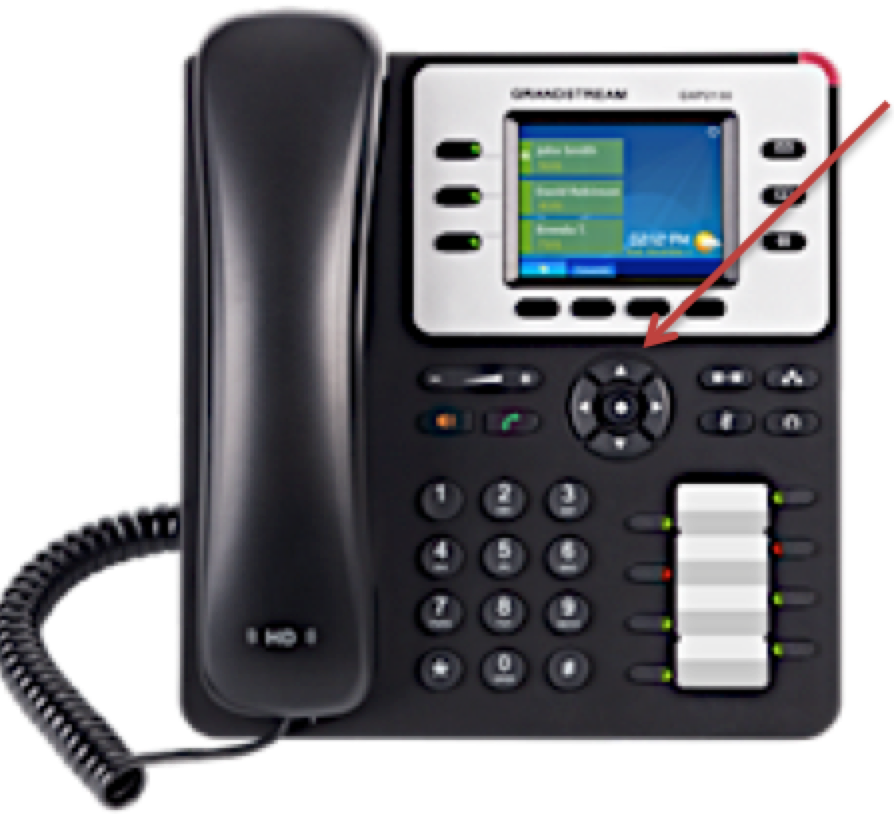
Figure 1: The up arrow on a GXP phone (click to enlarge)
All GXP Models (including Cytracom D2 and GRP2615)
If the above steps do not work, follow these steps:
1. Press the circle button in the middle of the arrows to enter the phone's menu.
2. Select Status.
3. Select Network Status.
4. Locate the IPv4 Address.